Two formats, two rhythms
A long video can be found by search and suggestions for months, so the exact hour of upload matters less. A Short is judged quickly on how many people watch to the end rather than swipe away, so being in front of an active audience helps more.
Treat them as two schedules.
Find when your viewers are on YouTube
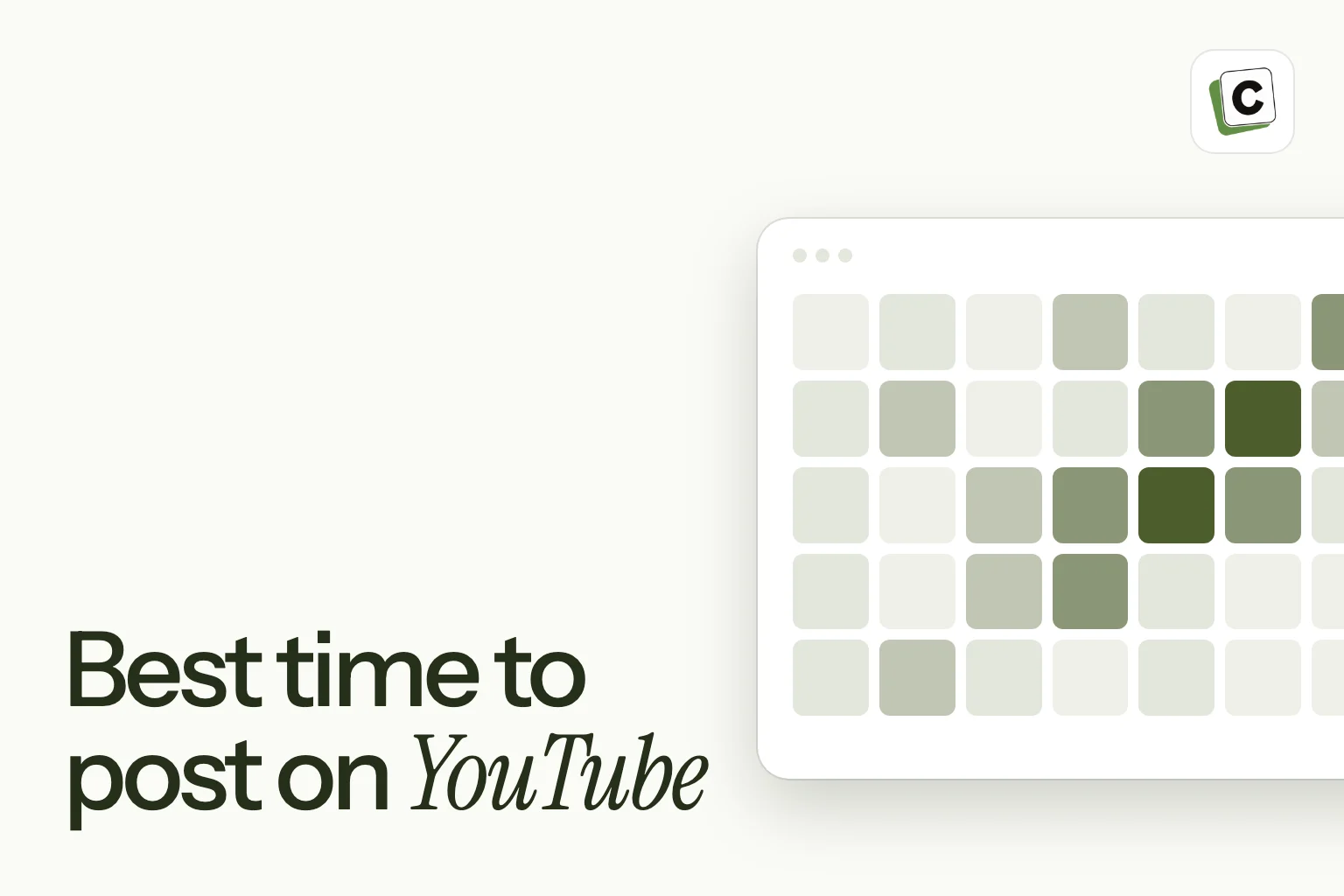
In YouTube Studio, open Analytics, then Audience, and look for the chart of when your viewers are on YouTube. It shows the days and hours your viewers are most active, in your local time, over a recent window.
- Mark the busiest blocks.
- For long videos, publish an hour or two before a busy block, so the video is indexed and ready when people arrive.
- For Shorts, aim at the busy block itself.
Test it
Choose a few windows and publish comparable videos in each. Judge by views in the first days, watch time and returning viewers, not just total views. Keep the best window.
A checklist before you publish
- A title and thumbnail that make a clear promise.
- Keywords in the title and description.
- A playlist or series the video belongs to.
- A channel page that makes sense to a first-time visitor.
Scheduling Shorts
Content Postiz publishes YouTube Shorts with a title, category and visibility, so you can queue a week of Shorts in one sitting. For long-form videos, schedule from YouTube Studio itself.
Read your viewer activity chart
In YouTube Studio, the audience analytics includes a chart of when your viewers are on YouTube, by day and hour, in your local time. Look at which days and hours are the busiest, and which are the quietest.
Use this to choose a publishing window. For a long video, aim to publish an hour or two before a busy period, so the video has been processed and is ready when people arrive. For a Short, aim at the busy period itself.
What a published video needs first
Before the clock matters, the video has to be ready. A long video that is not yet processed in high quality can look poor in the first hours. Upload early, check the thumbnail, title, description and chapters, and schedule publication for your chosen time.
A scheduled upload also gives you time to prepare your posts for other networks, so you can announce the video the moment it is live.
Think about how people watch
Long videos are often watched on bigger screens, at home, in the evening or on weekends. Shorts are watched in quick sessions on phones, in breaks and on the move. Think about your own audience. A tutorial for professionals may do well on weekday evenings, when people have time to learn. A light Short may suit lunchtime.
Test publishing windows
Choose two or three windows. Publish similar videos in each over several weeks, and compare results after the same number of days. Look at views, average view duration and how many viewers return, not only the first day’s views.
Because long videos keep earning views over time, give each one at least a week before you judge it. For Shorts, a couple of days is enough.
Keep a regular schedule
Many viewers come back when they know when to expect you. A regular day and time, such as every Thursday at 5 in the afternoon, teaches your audience to look for you. Choose a rhythm you can sustain for months, announce it on your channel and keep to it.
A worked example
A creator who makes cooking tutorials sees that their viewers are busiest on weekday evenings and on Sunday afternoons. They test publishing long videos on Thursday evening and Sunday afternoon for a month.
Sunday videos get more views in the first three days, while Thursday videos keep a higher average view duration. Because they want people to watch the whole recipe, they move to a regular Thursday evening schedule and use Sunday for Shorts with a link to the Thursday video.
Plan your Shorts with the long videos
Shorts and long videos help each other. A Short can tease a long video and send viewers to it, and a long video can supply many Shorts. Content Postiz publishes Shorts with a title, category and visibility, so you can queue a week of them to fill the gaps between your long uploads.
How YouTube recommends videos
YouTube shows videos in several places: search, the home page, suggested videos beside and after other videos, and notifications to subscribers. For each, it tries to predict what a viewer will click on and enjoy, using signals such as the click-through rate on the thumbnail, how long people watch and whether they come back for more.
The time you publish has the biggest influence on the first of these, notifications and early views. If your subscribers are active when the video goes out, you get a stronger early signal. After that, the quality of the video and the packaging take over.
Early signals and what to check
In the first hours after publishing, look at the click-through rate and the early watch time. A low click-through rate with decent watch time suggests the packaging is weak. A good click-through rate with early drop-off suggests the opening does not match the promise.
Do not panic over the first hour. Many videos take days to find their audience. But early numbers do tell you what to fix, and it is often easier to change a thumbnail or title in the first day than to wait a month.
Time zones and international audiences
YouTube audiences are often global. Your analytics shows where your viewers are, and the viewer activity chart is in your local time. If most of your viewers are in another region, convert the busy windows to the time zone you publish in.
If your audience is spread across several regions, choose a time that suits the largest group, or alternate between two times and compare. Because long videos keep earning views for a long time, a good compromise is usually fine.
Premieres and live streams
A premiere lets you publish a video at a set time with a live chat, so viewers can watch together. A live stream is a real-time broadcast. Both work best when you tell your audience in advance and choose a time they can attend.
For these, timing matters more than for an ordinary upload, since people have to be present at the moment. Announce the time on your channel and on your other networks, and send a reminder shortly before the start.
Review your schedule every quarter
A publishing schedule is not something to set once and forget. Each quarter, look at how your recent videos performed and at your viewer activity chart. Has the busiest time of the week moved? Are your Shorts doing better at one time than another? Do your long videos hold viewers better at a certain time?
Make small changes and give each a few weeks. Write down what you changed and when, so that you can match it to the results. Over a year, these notes become a clear guide to what works for your channel.
Remember, too, that a schedule must suit you. If your best window is hard for you to keep up, a slightly weaker one you can sustain will serve you better than a perfect one you drop after a month. Consistency is itself a signal that viewers and the system can learn from.
Combine timing with a strong first impression
Publishing at a good time only helps if the video makes a strong first impression. Check the basics before you hit publish. The title should state a clear benefit, the thumbnail should show a single focus and the first thirty seconds should deliver on the promise without a long introduction.
It also helps to prepare your community in advance. Mention the upcoming video in your channel’s community posts or on your other networks, and send your email list a short note on the day. A burst of interested viewers in the first hours gives the video a strong start, and that is exactly the situation a well-chosen publishing time is meant to create.
Afterwards, stay close to the video for a day or two. Reply to comments, pin a helpful one and look at the early numbers, so you can tune the title or thumbnail if the click-through rate is lower than you hoped.
Keep notes as you go
Write down each upload’s date, time, format and early results, along with anything unusual that week, such as a holiday or a big event. When you review your schedule each quarter, those notes help you separate a real pattern from a one-off, and they save you from running the same test twice.
Frequently asked questions
Is there a best day to upload to YouTube?
It depends on your audience. Check your viewer activity chart and test.
How often should I upload?
As often as you can keep up with while keeping quality. A steady schedule matters more than a high number.
Does the time affect Shorts differently?
Shorts are judged quickly, so being in front of an active audience helps more than it does for long videos.
Can I schedule a YouTube upload?
Yes. YouTube Studio schedules long videos, and Content Postiz schedules Shorts.